Review drawings against your own checklists
Reviewers open the drawing in the browser, work through your QA/QC checklist, and mark up the PDF as they go. Each markup is filed under the checklist item it relates to, and each item gets a decision.
Free for 14 days, with every feature included.
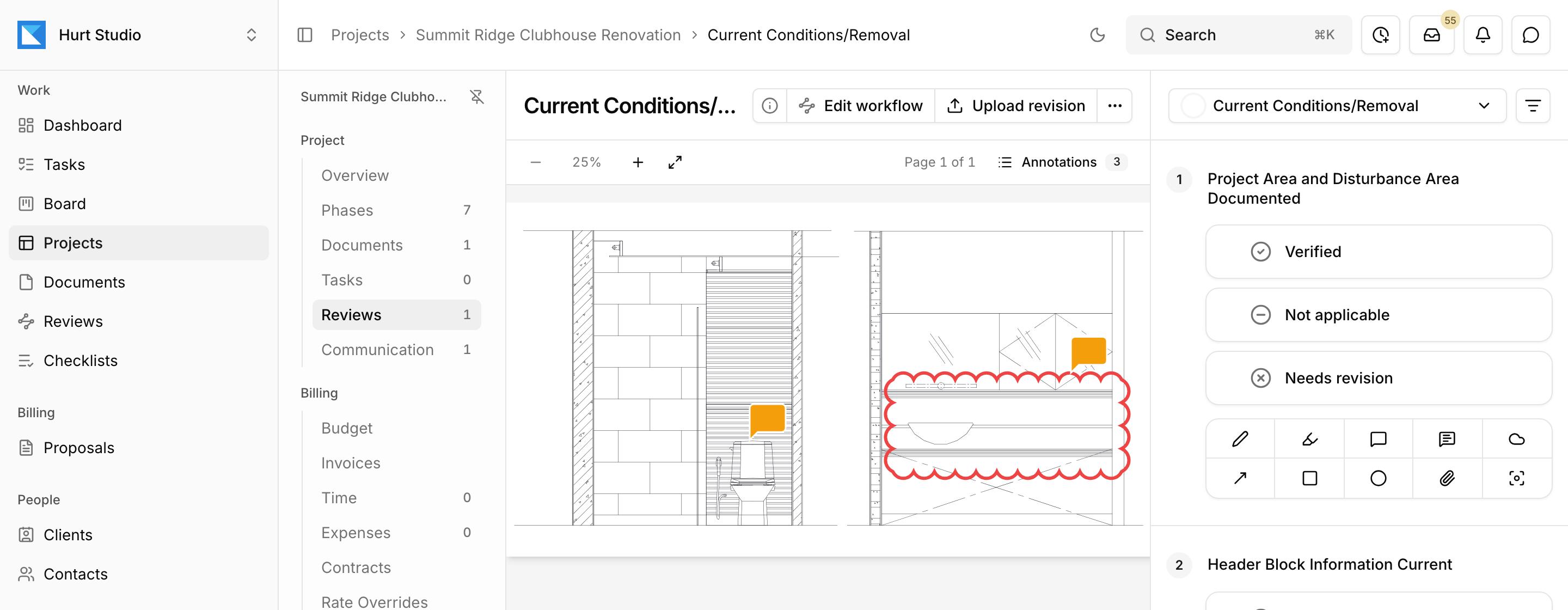
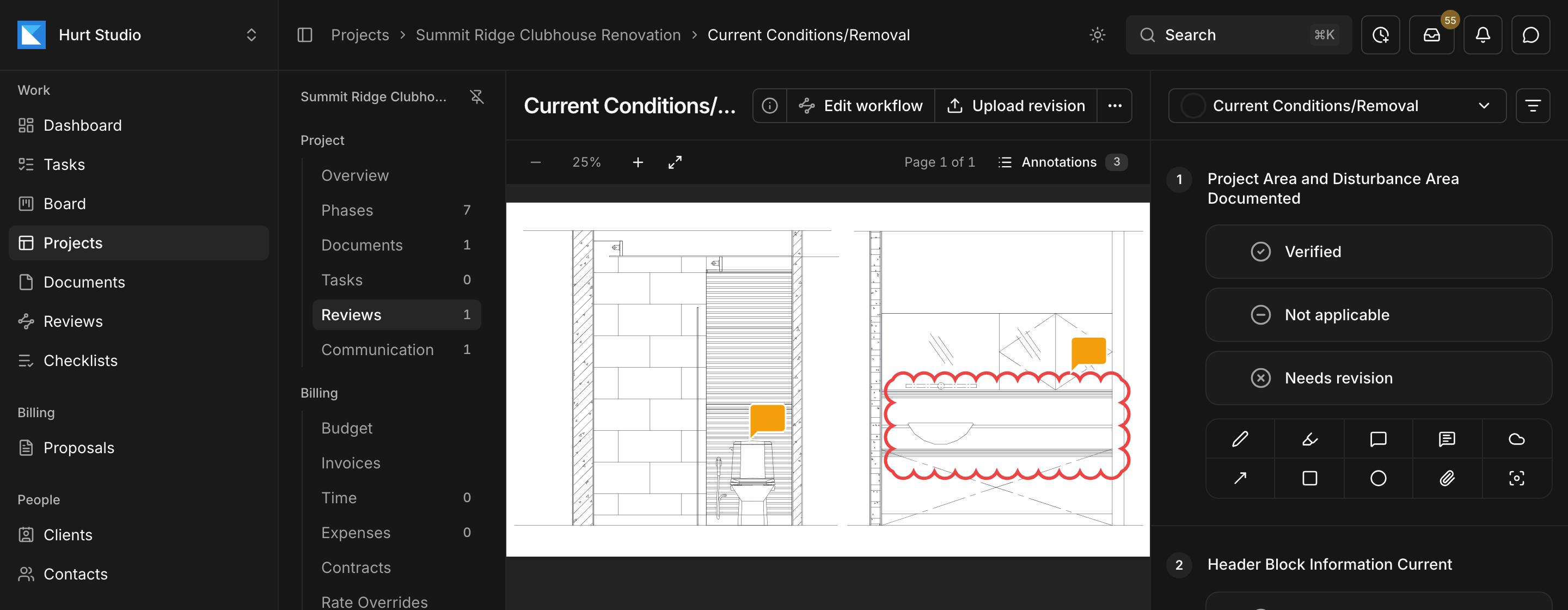
- 1Clouds, callouts, arrows, highlights, and comments go straight on the sheet.
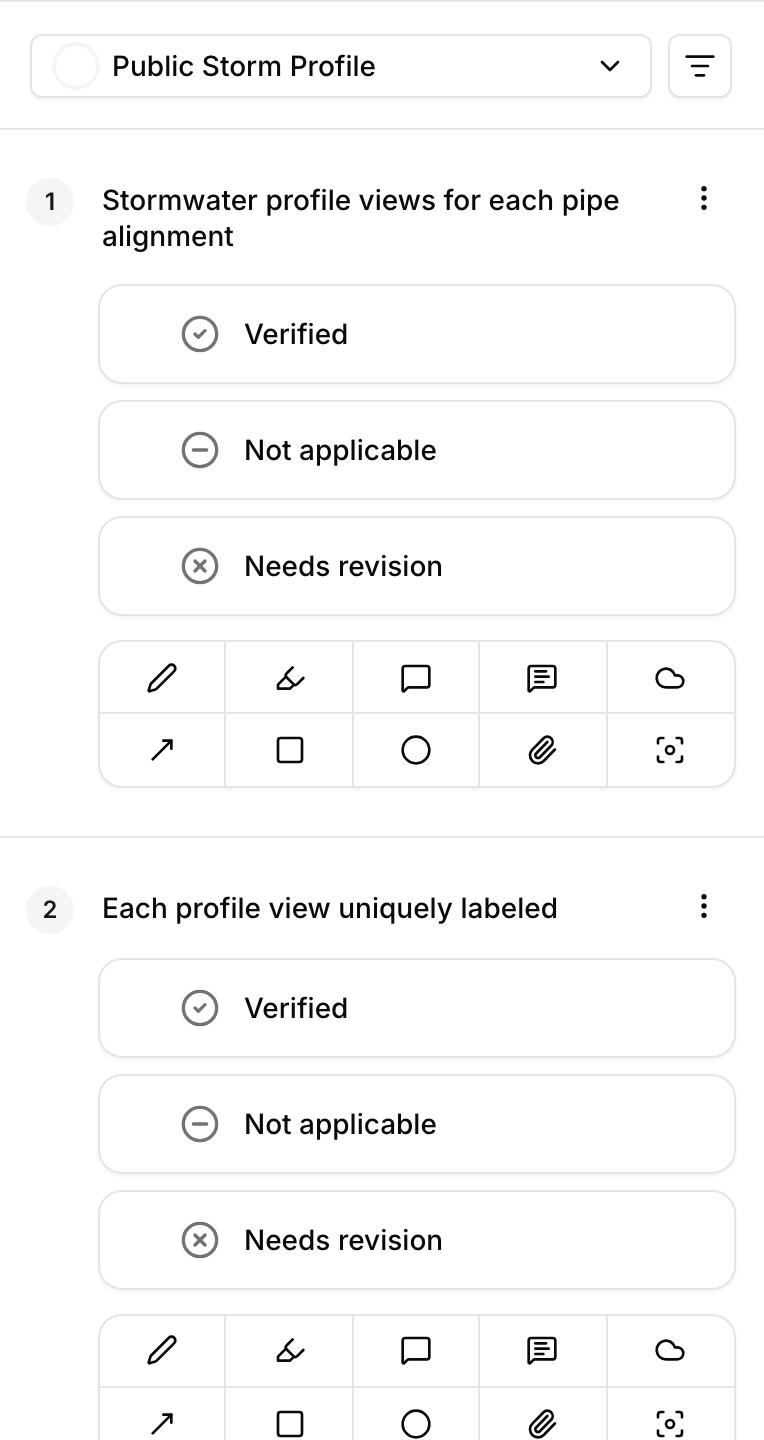
- 2Each item is marked verified, not applicable, or needs revision.
- 3The markup tools sit under each item, so every markup is filed in the right place.
A marked-up PDF can't tell you what was checked
Comments on a PDF show what a reviewer noticed. They don't show which requirements were checked, which were skipped, or whether the sheet passed. That usually lives in the reviewer's head or in a separate spreadsheet.
Every markup is filed under a checklist item
Pen, highlighter, rectangle, ellipse, arrow, cloud, callout, comment, and attachment, in nine colors.
Select an item to see only its markups, open the Annotations list, or export the marked-up PDF.
Turn a markup into a task
When a markup needs work, create a task from its card in the review's Annotations list. The task gets an assignee and due date like any other, links back to the markup, and reopens the review centered on that spot. Each card lists the tasks made from its markup and their status.
Set what passes in your checklist templates
Checklist templates define the responses available for each item and whether each response passes or blocks the review. A review can't be accepted until every item has a response, and a rejection has to cite at least one blocking item.
Four ways to build a checklist
- Write it by hand, organized into up to ten categories.
- Import it from a CSV file.
- Describe the submittal type and jurisdiction, and the assistant drafts it for you to edit before publishing.
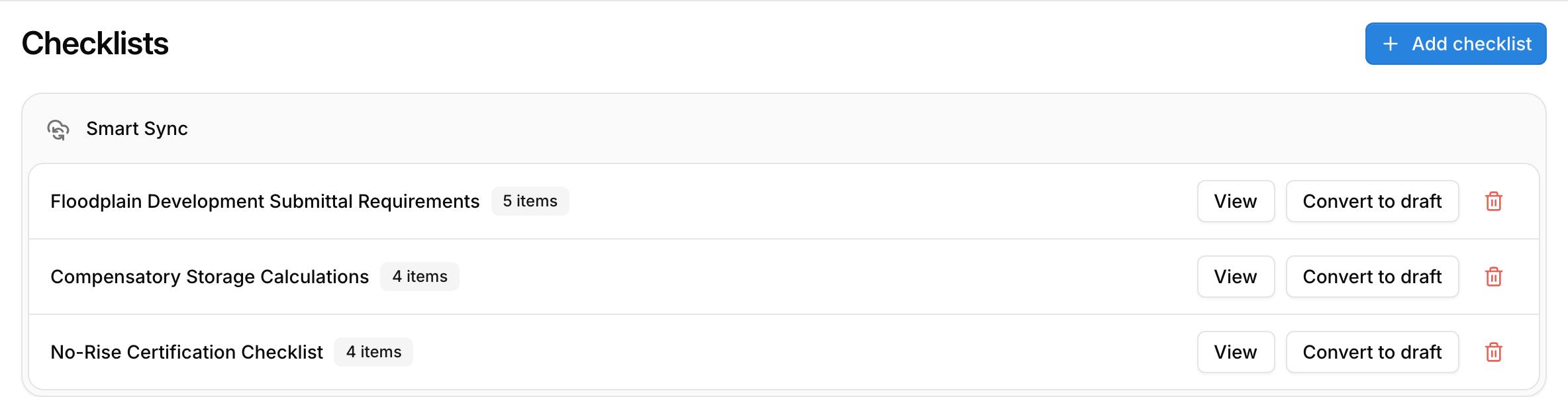
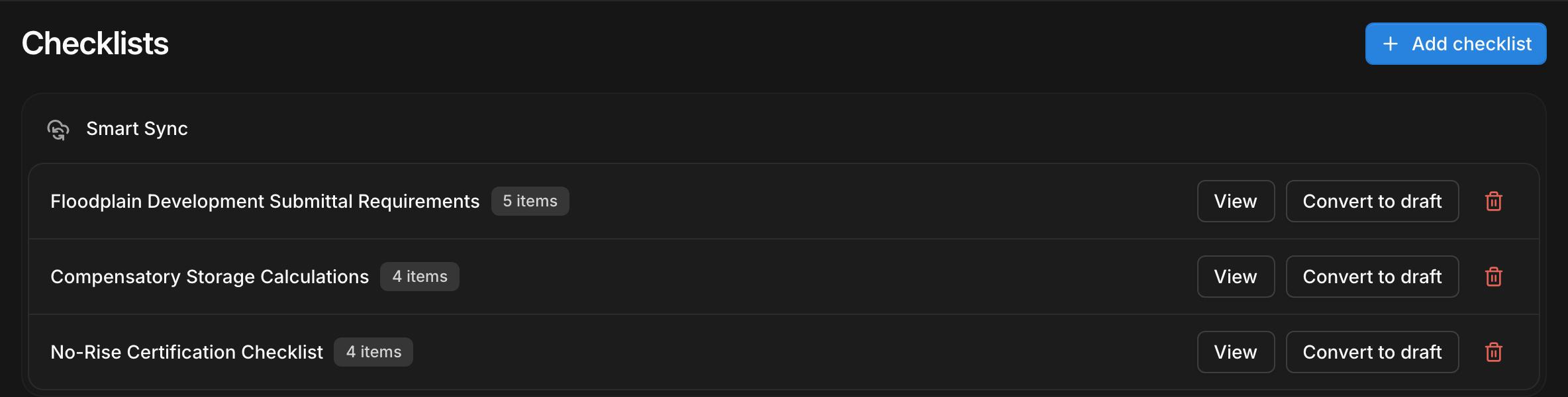
- Smart Sync (beta): enter the web address of a city, county, or DOT checklist, or upload its PDF. Kineo pulls out candidate items for you to review and publish, checks the source each week, and brings any changes back for your approval.
Templates keep a revision history.
A record of who decided what
Kineo records who reviewed each document, what they decided, and when. You can download a document's activity as a CSV file.
Common questions
Try Kineo on a project you're working on now
Set up a project with its contract and phases, invite your team, and give the assistant some of the routine work. Your first 14 days are free, with every feature included.